We are a web and mobile design, development, and digital marketing agency. Request a Quote


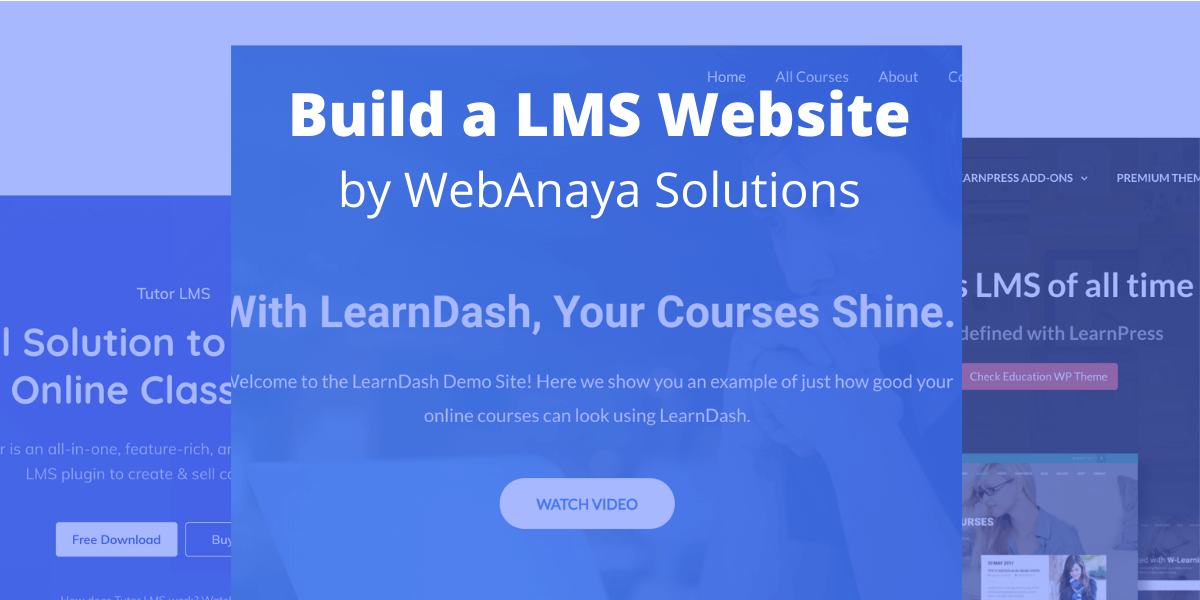
The WordPress ecosystem offers a wide range of free and premium plugins for almost every use case. When it comes to building a Learning Management System (LMS) website for selling online courses, choosing the right plugin is critical for performance, scalability, and user experience.
After exploring and working with multiple LMS solutions, three plugins clearly stand out as the most popular WordPress LMS plugins:
- LearnDash
- LearnPress
- Tutor LMS
Let’s compare them in detail to help you decide which LMS plugin is best for your online course website.
LearnDash – The Most Powerful WordPress LMS Plugin
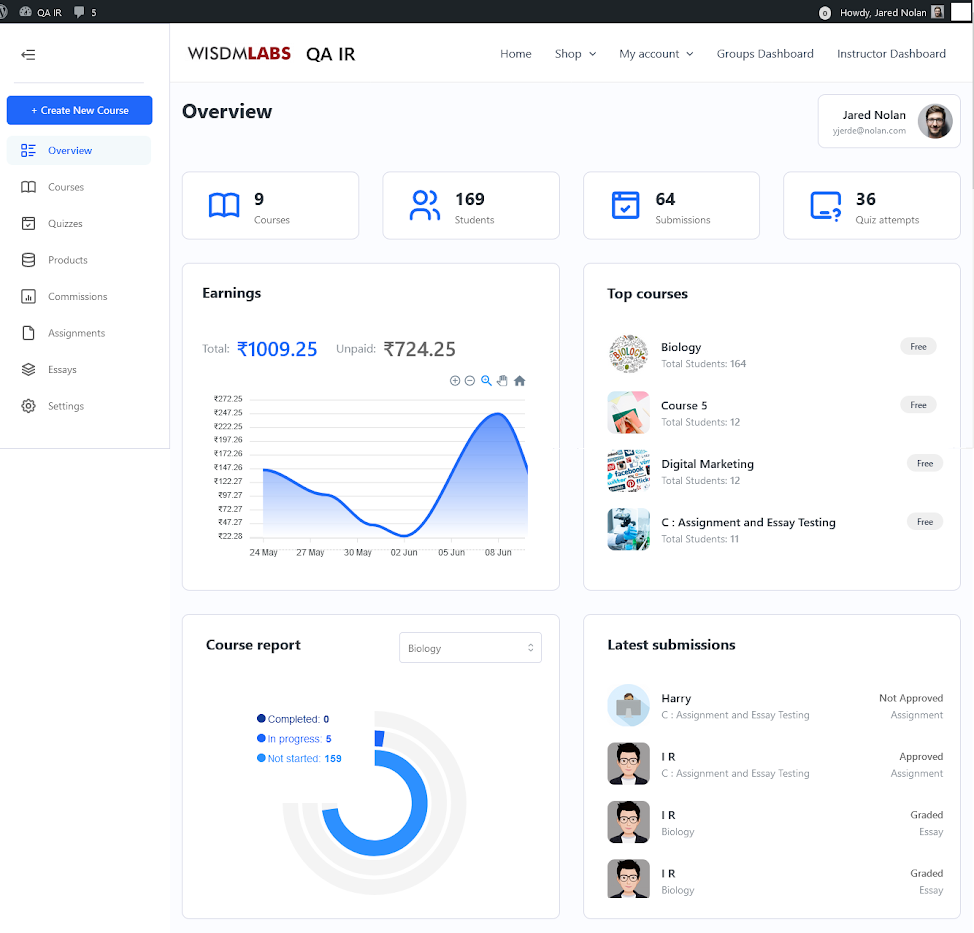



LearnDash is a premium WordPress LMS plugin trusted by universities, training institutes, and professional course creators worldwide. It is often considered the industry standard for building advanced online learning platforms similar to Udemy or Coursera.
Key Features of LearnDash
- Advanced course & lesson builder
- Powerful quiz and assignment management
- Drip-fed content & prerequisites
- Certificates & badges
- Integration with WooCommerce, Stripe, PayPal
- Membership & subscription support
- SCORM & Tin Can (via addons)
Best for:
Large-scale eLearning platforms, professional training institutes, corporate learning portals, and high-revenue course businesses.
👉 Access Demo – LMS Website developed by WebAnaya Solutions
LearnPress – Best Free LMS Plugin for Beginners

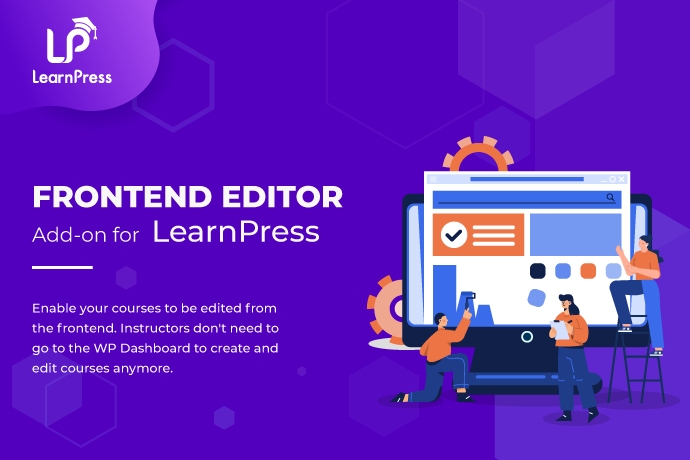

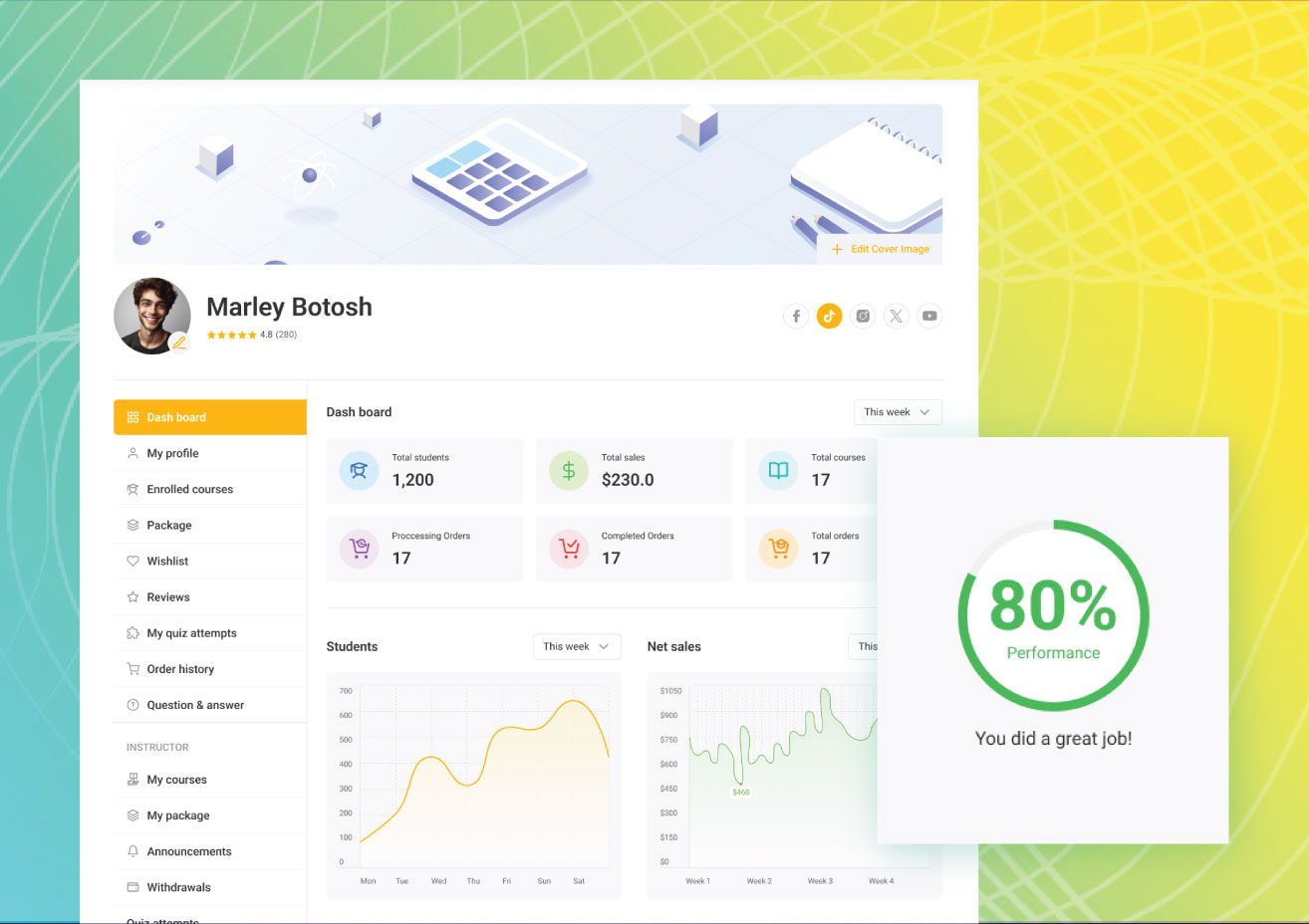
LearnPress is a free WordPress LMS plugin and a popular alternative to LearnDash. While it offers fewer built-in features, it is an excellent choice for beginners or small educators starting their online teaching journey.
Key Features of LearnPress
- Free core plugin
- Easy course & lesson management
- Supports quizzes and certificates
- Large collection of premium add-ons
- Compatible with many WordPress themes
Limitations:
Advanced features such as content dripping, detailed reporting, and automation require paid add-ons, which may increase overall cost.
Best for:
Individual instructors, bloggers, and small educational websites with limited budgets.
👉 Access Demo – LMS Website developed by WebAnaya Solutions
Tutor LMS – Modern & Feature-Rich LMS Solution
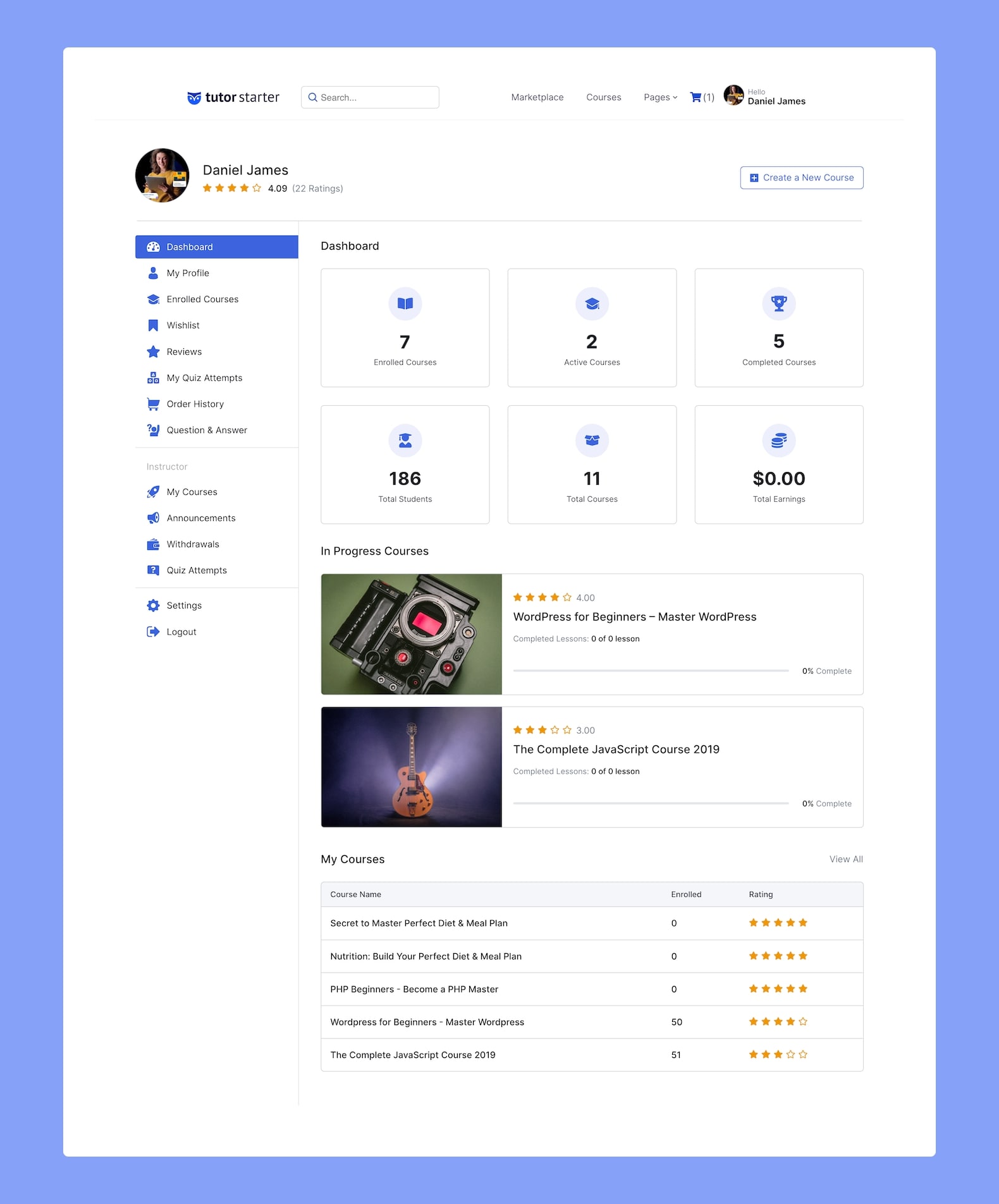
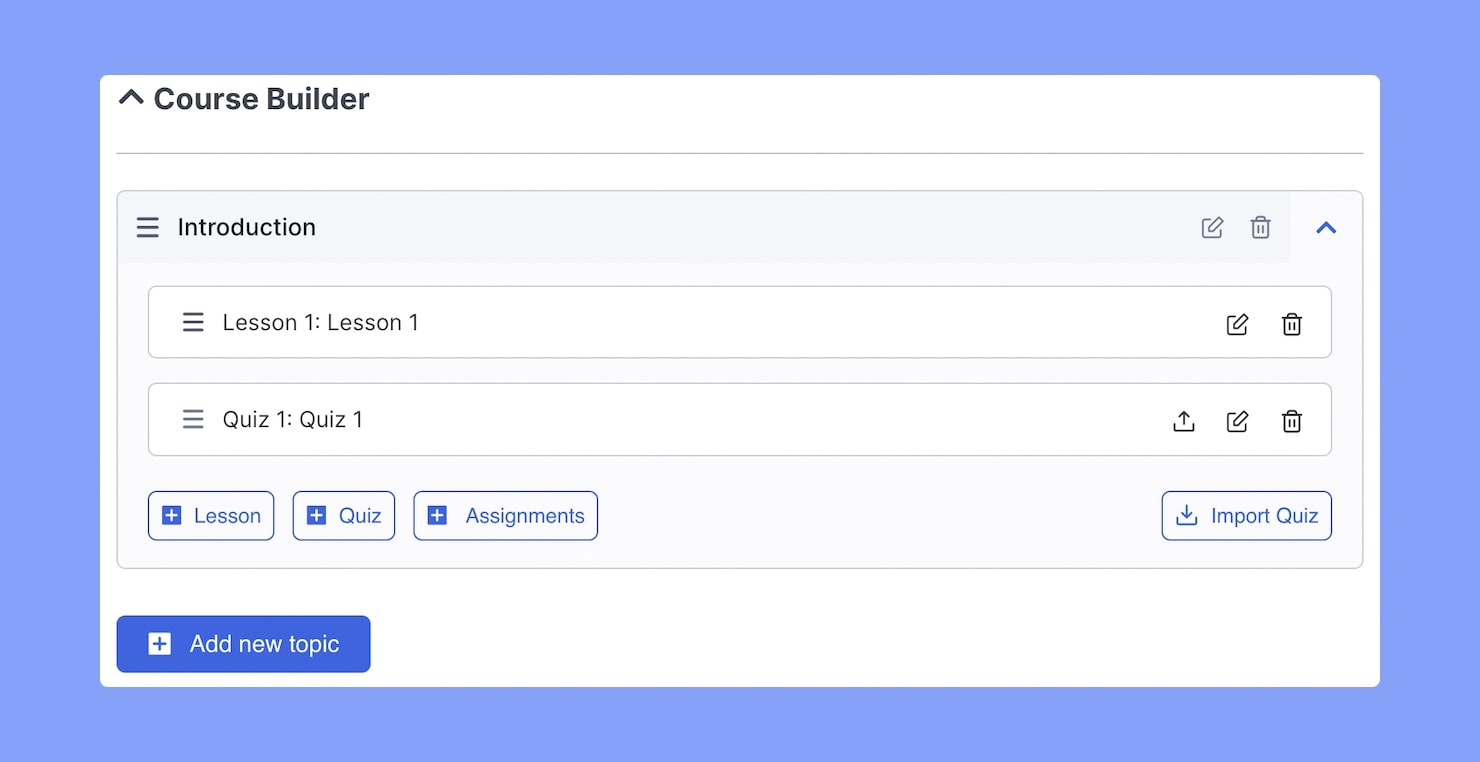

Tutor LMS is available in both free and premium versions and has rapidly gained popularity due to its modern UI and strong feature set. It also offers a dedicated WordPress LMS theme, making it easier to launch a professional learning platform quickly.
Key Features of Tutor LMS
- Frontend course builder
- Advanced quiz system
- Student & instructor dashboards
- Monetization with WooCommerce & Easy Digital Downloads
- Certificate builder
- Built-in reporting & analytics
Best for:
Startups, coaches, and educators looking for a balance between usability, features, and affordability.
👉 Access Demo – LMS Website developed by WebAnaya Solutions
Which WordPress LMS Plugin Should You Choose?
| Use Case | Recommended LMS |
|---|---|
| Enterprise-level LMS | LearnDash |
| Budget-friendly LMS | LearnPress |
| Modern & flexible LMS | Tutor LMS |
Each plugin serves a different purpose. The right choice depends on your budget, feature requirements, and long-term growth plan.
Need a Custom LMS Website?
At WebAnaya Solutions, we specialize in:
- Custom WordPress LMS development
- LearnDash, Tutor LMS & LearnPress setup
- Payment gateway integration
- Performance optimization & scalability
- LMS migration & customization
Whether you’re launching your first online course or scaling a full-fledged eLearning business, we can help you build a secure, SEO-optimized, and high-converting LMS platform.