We are a web and mobile design, development, and digital marketing agency. Request a Quote


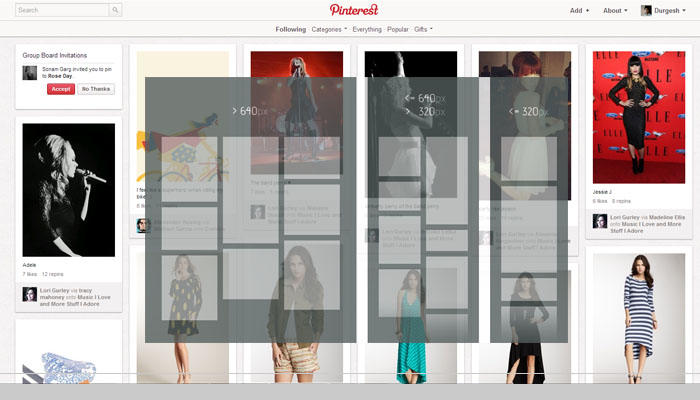
On pinterest.com you must have seen that all its content organize by block wise according to the screen size and dimension. So if you are looking to create something Pinterest like content web layout you can easily achieve this by using the Jquery Masonry plugin.

To do this job more easily and accurately here I am going to share with you a web tutorial where you can learn to create an awesome responsive content grid layout like Pinterest.com. If you are looking to create Pinterest.com like site then don’t forget to read my article “Create clone of Pinterest.com with pinry“.
[button link=”http://osvaldas.info/responsive-jquery-masonry-or-pinterest-style-layout” size=”medium”]Access Tutorial[/button]
[button link=”http://osvaldas.info/examples/responsive-jquery-masonry-or-pinterest-style-layout/” size=”medium”]Demo[/button]